 Lyrixound
Free lyrics software for Windows 10 and Windows 11
Lyrics for any song playing on Windows
Download a music lyrics app that sits next to any Windows music player: Lyrixound finds the current song and shows lyrics while listening, in a floating overlay. Karaoke-style synced lines work with Spotify, YouTube, and other players or browsers.
Free download. Requires Windows 10 (1809+) or Windows 11.
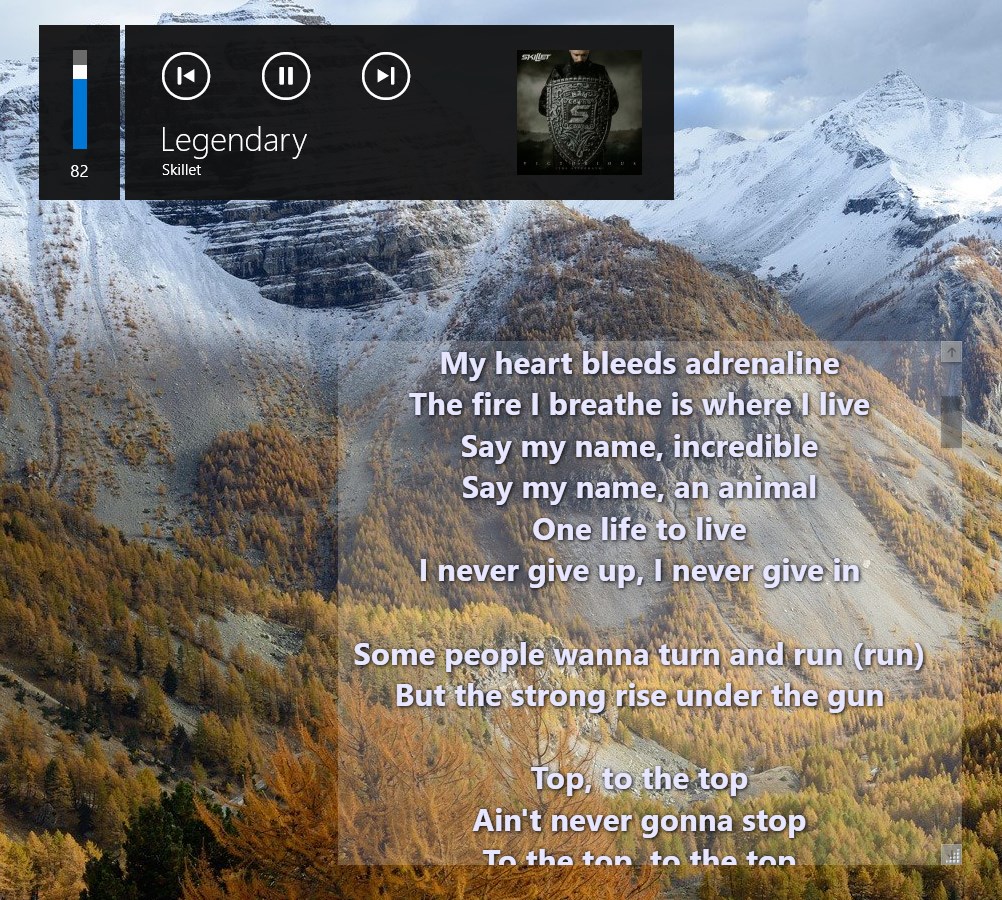
Turn lyrics on once, not in every player
You do not turn lyrics on inside each player. Launch Lyrixound once, play a song, and the overlay follows. No player plugins — it reads Windows media information the way a modern MiniLyrics-style overlay should.
-
Start the app
Download from the Microsoft Store and leave Lyrixound running on your desktop.
-
Play music anywhere
Use a Windows music player with lyrics overlay: Spotify, YouTube, a local file, or another player or browser that reports the current track.
-
Follow the lyrics
Synced LRC lyrics highlight the current line. If the match is wrong, recognize the song from system audio, or edit artist and title and search again.
What the lyrics app does
Lyrixound is desktop lyrics software, not a full music player and not an Android widget. It detects the song, searches lyrics, and keeps a karaoke-style window on top.
-
Auto-detect the current song
Reads most modern Windows players and browsers so desktop lyrics appear without extra setup.
-
Karaoke-style synced lyrics
LRC support highlights the active line in real time so you can sing along.
-
Floating lyrics overlay
Always-on-top window, and optional click-through so you can keep working underneath.
-
Multi-source search
Looks up lyrics in LrcLib, Musixmatch, Genius, lyrics.ovh, and local files.
-
Look the way you want
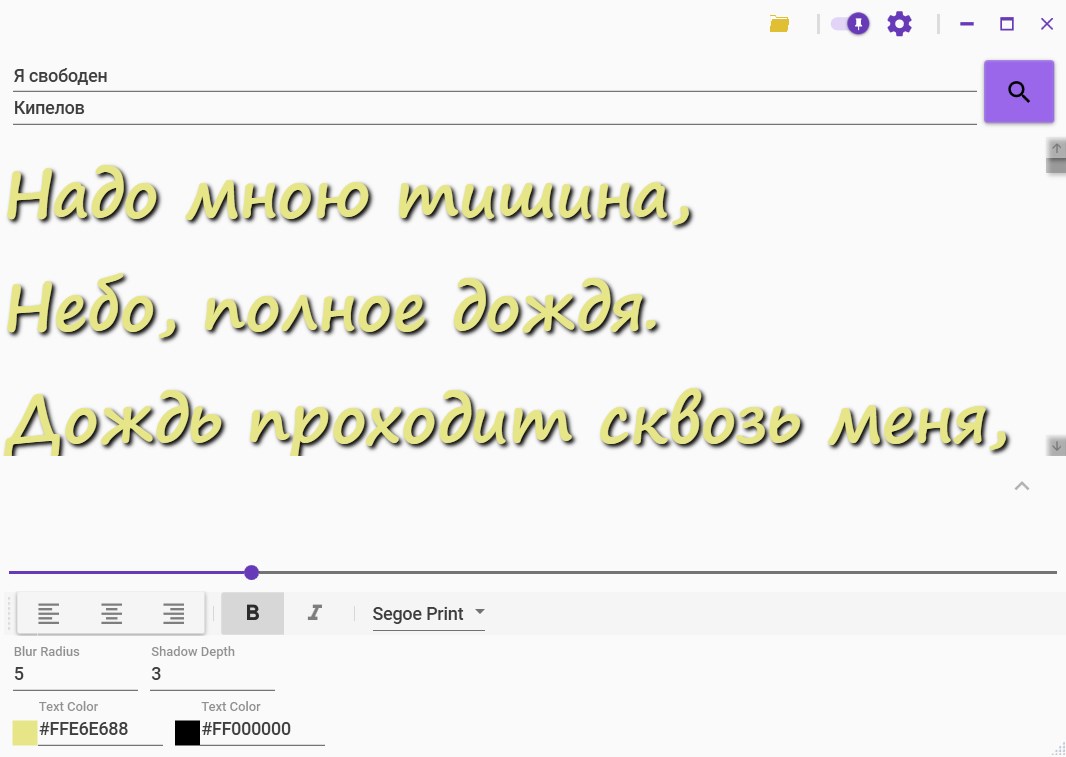
Font, size, color, shadow, and active-line background are customizable.
-
Save, recognize, autostart
Autosave to .lrc or .txt, Shazam audio recognition, and launch with Windows.
Lyrics for Spotify, YouTube, and other Windows players
Watch a clip on YouTube or play Spotify on the desktop — Lyrixound picks up the track and shows a clean overlay with synced lines. The same path works for other apps that expose Windows media controls.
Titles from the browser are cleaned before search, so “Official Video” and similar noise are less likely to block a match.
Not another player plugin
Older tools like MiniLyrics relied on per-player plugins. Lyrixound uses a single Windows media overlay, so you are not installing a plugin for each app.
See it running
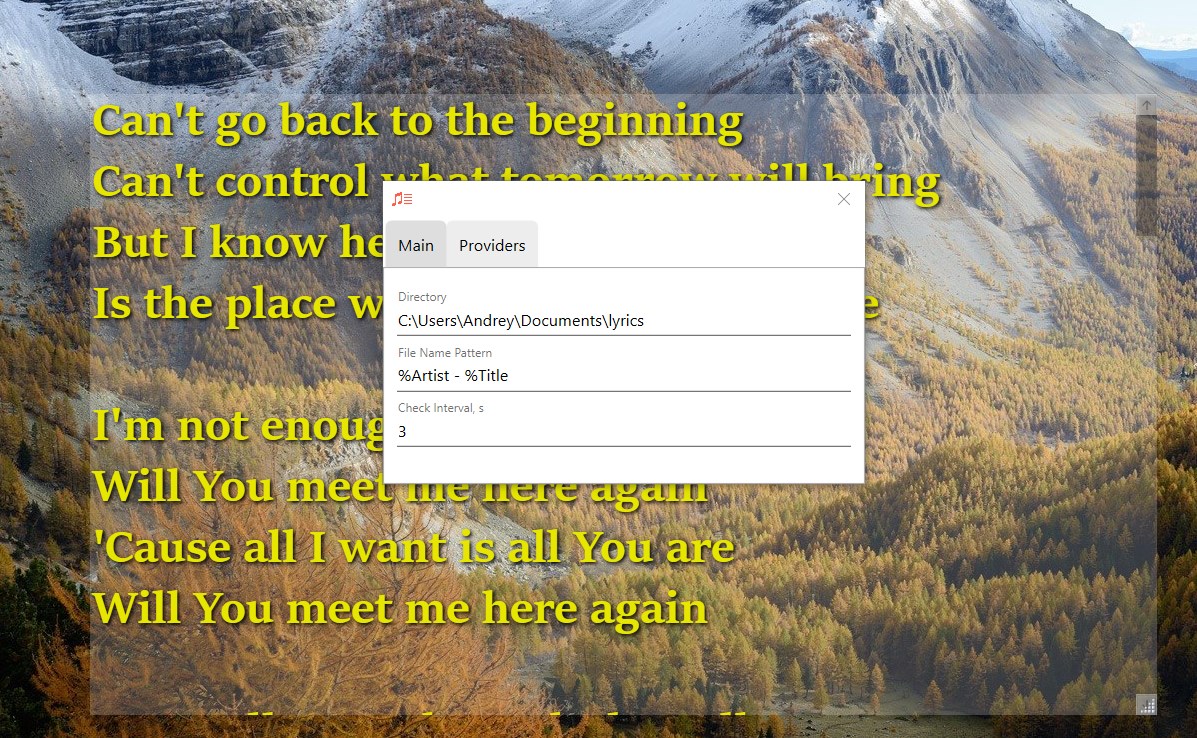
The main window with the found lyrics, the floating overlay on the desktop, and the appearance panel for font, colors, and shadow.
Lyrixound Pro
Core lyrics features stay free. Pro is a one-time Microsoft Store purchase for Light / Dark mode and priority support from the author. More features are coming soon.
- Light mode and Dark mode for the main window, overlay, and settings
- Priority email support
- No subscription
- More features in future updates